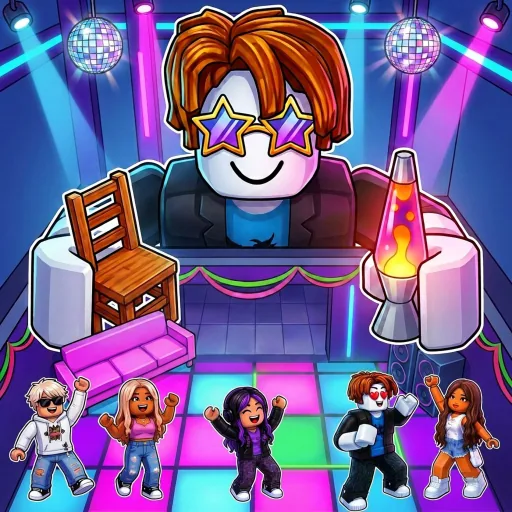
Roblox experience
Authoritative play page and creator description.
Use the verified Roblox play destination below; no separate Make a Party game download was verified. The dated resource matrix marks official and missing links, provides game and group alternatives, and includes invite-safety notes.
A missing row is not replaced with a convenient community guess.
Authoritative play page and creator description.
Creator group resolved from official universe metadata.
No creator-linked board was verified on the checked official surfaces.
No creator-linked invite was verified on the checked official surfaces.
No creator-owned or creator-endorsed standalone wiki was verified.
No creator-linked Trello board was found on the checked official Roblox experience or creator-group surfaces.
No creator-linked Discord invite was verified on the checked official surfaces. Third-party invites should not be treated as official.
No creator-owned or creator-endorsed standalone wiki was verified. This Party Archive is an independent fan-made resource.
The Roblox experience and the Crazy Night! creator group are the two verified official destinations listed here.
Start from the official Roblox experience or creator group and use only destinations linked there. Never enter Roblox credentials on an unfamiliar site.